Posts

Showing posts with the label Outlook

How to Fix Most Common Outlook Issues?
Image
Outlook is one of the best platforms because it easy to use and comes advanced features. But sometimes users might face certain problems. That’s why today we are discussing the solutions for the common problems faced by Outlook users. Fixing the Outlook stuck at ‘Processing’ message error. • With the help of Windows key and R buttons open the Run option. • Enter the command – outlook.exe/safe and tap Enter to open Outlook in safe mode. • After pressing the OK button and restart the app. • Now the Outlook stuck at’ processing’ message error will be resolved. Check and install Windows updates • First, you open Settings and choose Update and Security. • After that, you can see Windows Update. • Hit on Check for Updates option, and if updates are available, you can install them. Manually update Microsoft Office • Select Outlook and click on the file. • Tap on Office Account. • Choose the Update Options. • And you can Update Microsoft Office. Repair to Ou...
How to Add Email Accounts to Outlook

Image
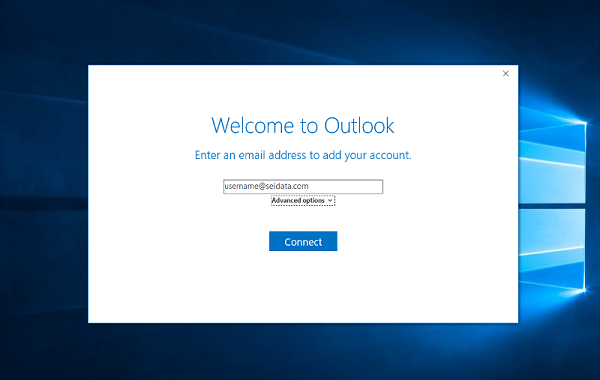
It is good to have many email accounts with different providers. You can use all the accounts at one time by switching the account to another. You need to follow the simple steps given below to add email accounts in Outlook Steps to  Add Yahoo to Outlook Here are the steps are given below to set up the Yahoo mail in Outlook, follow the steps to start the procedure: •    Sign in to the account which you had created in Yahoo. •    Tap on the “name” located in the top right-hand side of the display and after that, choose “Account Info” option. •    Choose the “Account security” located in the “personal setting webpage.” •    Ensure that you should permit applications for using less “log in” option which is turned on. •    After that, go to the “Outlook” page. •    Tap on the “File” option located on the upper left-hand side of the display. •    Tap on the “A...

How to Manage Outlook’s Reminder Alert?

Microsoft Outlook has always plays a chime role in alerting you by scheduling reminders on email, tasks, or on the calendar events. Unlike some new mail alerts which you can also manage in Windows, you can also manage the reminder alert in the Outlook, where you can also change the chime into something else or also turn it off altogether. Below we provide steps to turn off the Chime. These steps are easy to understand and simple to follow. But we suggest you follow these steps in the written series so that it will save you from trouble and save your precious time and efforts. Here how to do it. Steps to Manage Outlook’s Reminder Alert Turn Off the Chime If any Outlook users don’t want any sound alert every time as a reminder pop-ups which is too much irritating while using the headphones, then you can tell it to the Outlook that not to play a noise at all whenever a reminder is due. For this follow the steps given below: Navigate to the File. Then, click on the Options. ...