Posts

Showing posts with the label Apple Watch

How to Send Messages from Your Apple Watch
Image
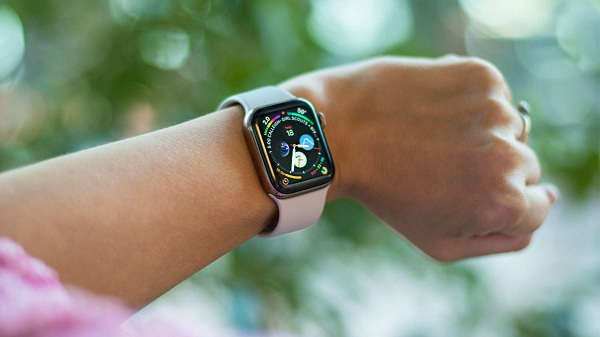
If you want to send an important message to someone and you do not have your phone with you, then what will you do? Don’t worry, you can send messages from your Apple Watch by using the messages application in it. You can also choose your native language to send a text or give a response to your messages from that language. Here’s how to send messages from your Apple watch. Steps to send messages from your Apple Watch Sending messages is a great feature of Apple Watch, which permits you to send and receive a text, and this feature is easy to use. In a situation when you have forgotten your iPhone or Android phone, then you can use your Apple Watch to send the important messages to someone. Here are the steps are given below to send messages from your Apple Watch: •    Click on the Messages application by going to the home screen of the Apple Watch. •    Click on display firmly option. •    Press on the New Message option. •...

How to organise and access notifications on Apple Watch

Image
While wearing a smartwatch, you can do various tasks like checking important messages, emails, calendar reminder, special activities days, calling, replying, progress updates, workout summary, track your health, heart rate, asking Siri. You can read all notifications by raising your wrist to check which notification is essential. Organising Notifications for Apple Watch Smartwatch notifications are displayed only on wearable gadgets if it is on the wrist and unlocked. The notifications which are already missed you can check that by swiping down on the watch. Whether you are using your iOS, then this notifications will not show up on your watch. A huge difference is between third- party and native party applications which handle notifications on Smartwatch. A red dot will come when the notification indicator turns on. When notification privacy switches on, details will only be seen when you press on an alert. Steps for organising notifications for Apple Watch 1.  ...

How to Turn On Prominent Haptics on Your Apple Watch

Image
The Watch OS device has been featured with a revolutionary Taptic engine that generates the small vibrations felt, on the wrist of the wearer, every time a new notification lands in, or whenever an alert is triggered on your Apple Watch, and the device doesn’t stay muted. Prominent Haptics on Apple Watch Depending on your personal experience, with this wrist-worn gadget, you can be tweaking the Haptic Strength. Plus you can even use this bonus feature called Prominent Haptic, to make sure that you feel those gentle vibrations on your wrist. Note:  Before you begin, you first need to set up the Watch’s wristband fit properly. Apple says, for the best experience, that the back of the Watchcase should be touching your skin. Their actual term of Apple is “snug but comfortable fit,” which means that the strap has to stay tight enough on your hand, so that your Watch doesn’t pronate, when flicking the wrist. On the other hand, it has to be loose enough, to make certain a com...